


Websites & Hosting
WordPress
The open-source workhorse behind roughly 40% of the web (W3Techs)
Websites & HostingSoftware
by Webflow, Inc.
Designer-grade websites with hosting, CMS and no plugin maintenance
Watch
Watch · 0:33 · Digital4All
Designer-grade websites with hosting, CMS and no plugin maintenance
This page contains affiliate links. If you buy through them we may earn a commission at no extra cost to you. See our affiliate disclosure.
Best for: Design-led marketing and content sites where performance, polish and low maintenance matter more than plugin flexibility or complex e-commerce.
Webflow occupies a specific and valuable position: visual site-building with the control of hand-written HTML/CSS, plus managed hosting and a structured CMS, without the plugin-and-update treadmill that defines WordPress ownership. Sites ship fast, stay fast, and the hosting (CDN, SSL, backups) is simply handled.
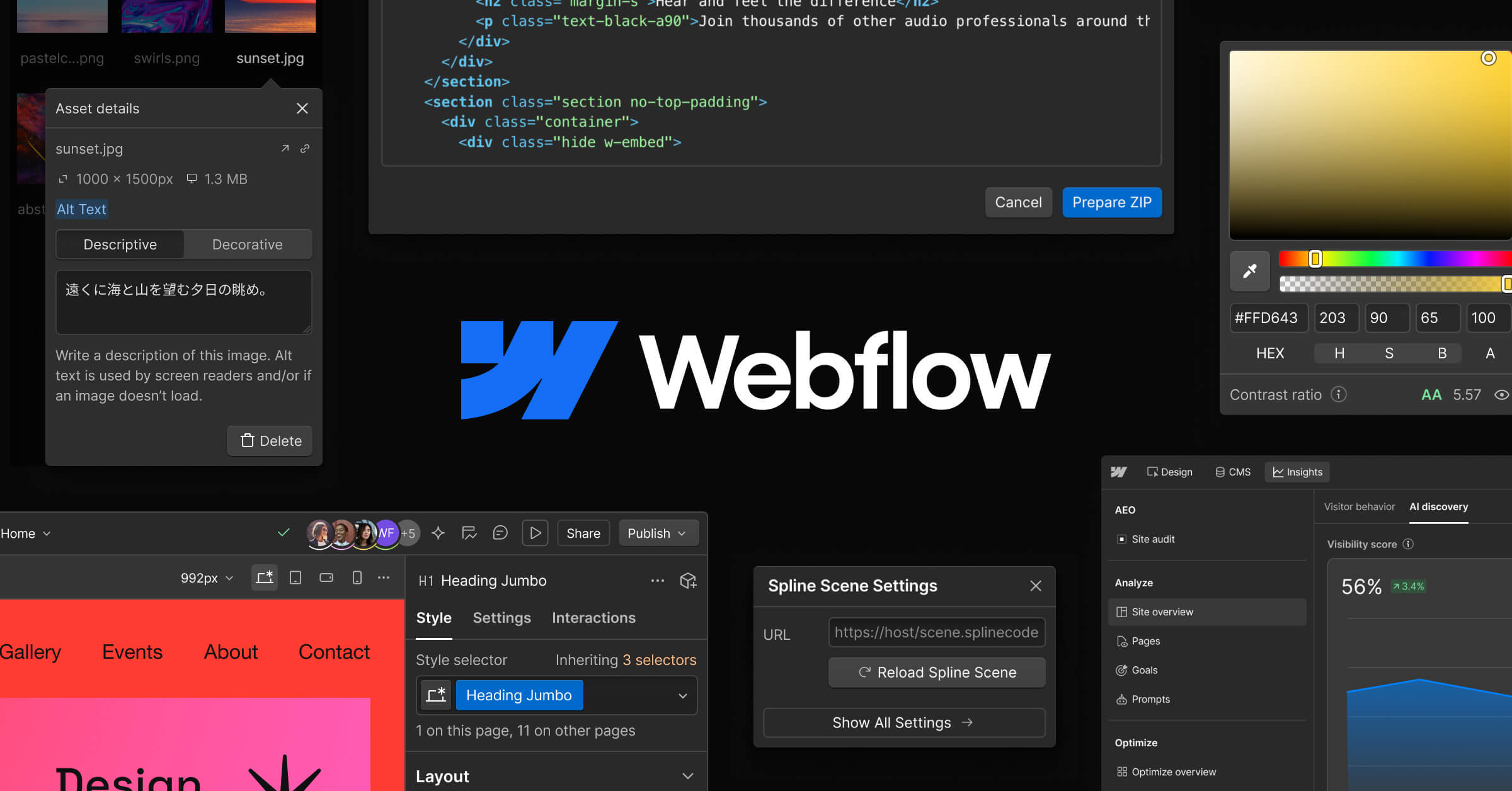
Image: Webflow.
The trade-off is twofold. First, capability boundaries: Webflow is superb for marketing sites, portfolios and content sites, but e-commerce is comparatively weak and anything needing custom server-side logic means external services. Second, skills: Webflow is not a beginner tool — it exposes the box model, flexbox and grid directly, which is precisely why designers love it and why non-designers stall. A small business without design resource should budget for a Webflow professional to build, then edit content themselves via the genuinely excellent Editor mode.
Costs are predictable: site plans cover hosting and CMS, and there is no parallel economy of paid plugins. Against a well-maintained WordPress build the totals often converge; against a neglected WordPress build, Webflow's absence of security patching is worth real money in avoided risk.
Full hands-on testing of Webflow's AI site-generation features is in progress; this profile reflects documented capabilities and our experience delivering client marketing sites on CMS-plan hosting (that plan now maps to Premium after Webflow's May 2026 site-plan consolidation).
Reviewers place Webflow between drag-and-drop builders and hand-coded sites, and they split on whether its learning curve is a fair price for that.
Consensus: outstanding design control and clean output for someone design-literate; TechRadar and Forbes Advisor differ mainly on how much the learning curve and support gaps should count against it.
| Plan | Price | Includes |
|---|---|---|
| Starter (free) | Free | Build and stage on a webflow.io subdomain |
| Basic | $15 per site/month | Custom domain, no CMS — brochure sites ($25 monthly; verified Aug 2026) |
| Premium | $25 per site/month | CMS with 20,000 items / 40 collections, content editors — most business sites ($39 monthly; verified Aug 2026). Replaces the retired CMS and Business plans (May 2026) |
Websites
The best website builder routes for small businesses compared — WordPress with Elementor, Webflow and budget hosting — chosen by who will maintain the site.
Websites
Webflow vs WordPress compared as of September 2026: real three-year cost, SEO, ease of use, e-commerce and maintenance — and which platform suits you.
Marketing
Best SEO tools for small businesses, as of September 2026: free Google tools first, then Semrush, Ahrefs or Mangools by budget, plus AI SEO tools.